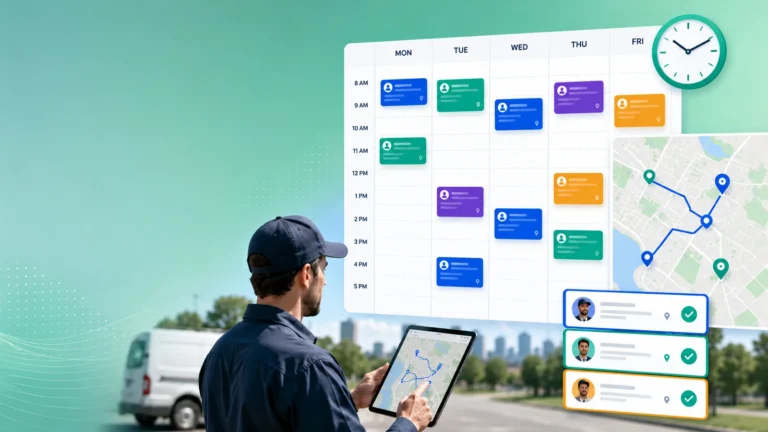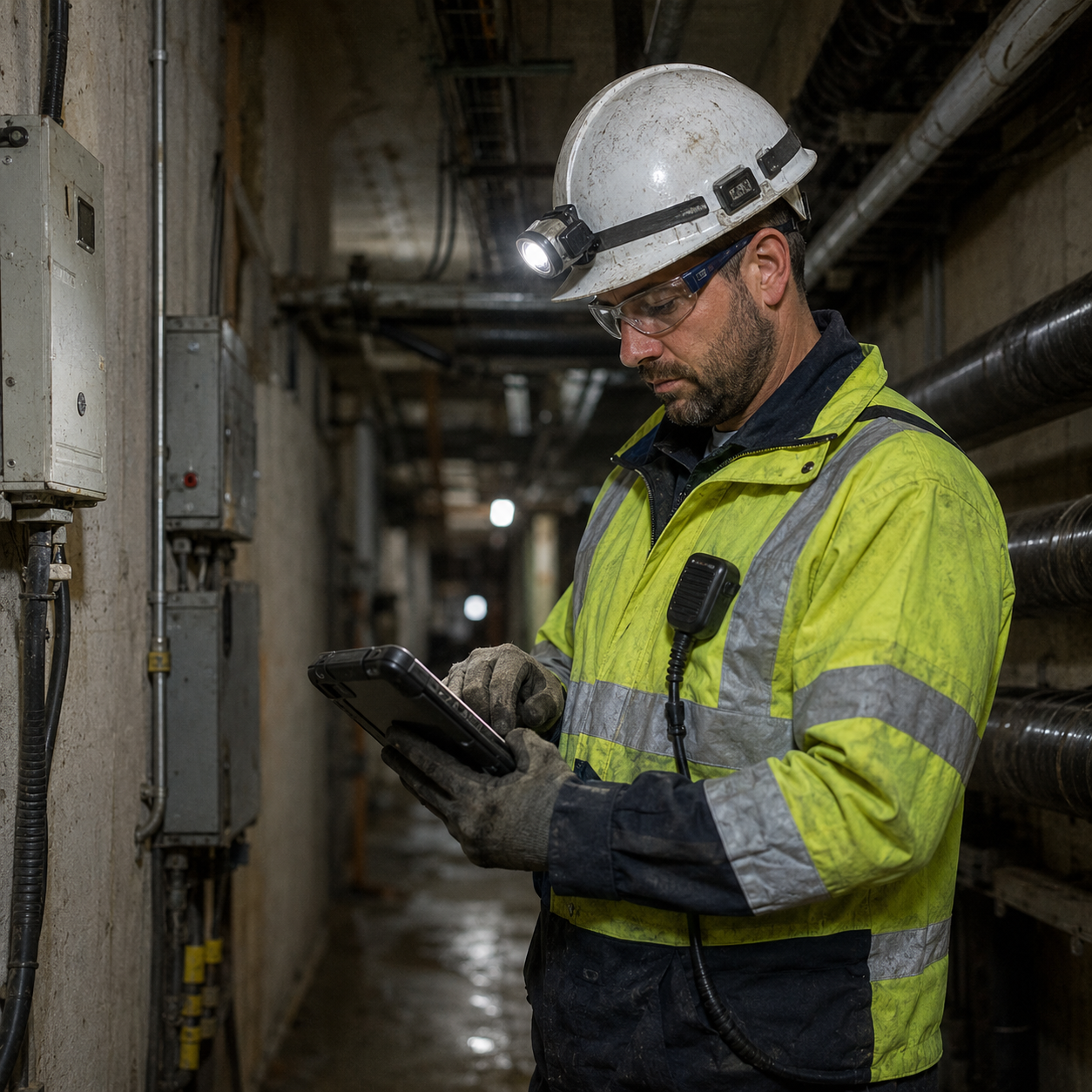
Offline-first FSM still matters in 2026 because field service work often happens in places where mobile connectivity is weak, unstable, restricted, or completely unavailable. A technician should still be able to open the work order, review asset history, follow the required steps, and record the outcome without waiting for a signal.
Cloud platforms, AI tools, live tracking, and connected assets have improved field service significantly. However, they have not removed dead zones from basements, rural areas, industrial sites, tunnels, hospitals, and remote infrastructure locations.
An offline-first system treats connectivity as useful but not guaranteed. The technician can continue working locally, while the system synchronizes the information when a reliable connection returns.
Field Work Does Not Always Happen Within Network Coverage
Field service software is usually demonstrated in an office with fast internet. The reality for technicians can be very different.
A lift engineer may spend most of a visit inside a concrete shaft or underground plant room. A utility technician may work in a rural area with limited mobile coverage, while an industrial engineer may enter a site where external network access is restricted for security reasons.
Even busy city centres can have unreliable connections inside large buildings, underground parking areas, and equipment rooms. A technician may have a strong signal outside the customer’s premises and lose it as soon as the actual work begins.
Without offline access, the technician may be unable to open manuals, check previous service notes, complete forms, or update the job. Some employees respond by taking screenshots, writing notes on paper, or entering everything later from memory.
Those workarounds create errors and missing information. They also weaken the value of the mobile tools that are supposed to connect field teams with the wider operation.
A good field service mobile app should support the technician throughout the visit, not only when a stable connection is available. That remains an important consideration when assessing mobile apps used in field service.
Offline-First Means More Than Opening a Saved Work Order
A basic offline mode may allow the technician to view a previously downloaded ticket. An offline-first FSM workflow goes further by supporting the essential parts of the job while the device remains disconnected.
The technician should be able to access customer details, asset history, site instructions, checklists, manuals, parts information, and recent service notes. The app should also allow status changes, readings, photos, signatures, parts usage, and completion details to be saved locally.
That does not mean every function must work offline. Live traffic data, remote collaboration, current inventory changes, and customer notifications will normally depend on connectivity.
The important point is that the technician can complete the core service work without the application becoming unusable. Once connectivity returns, the locally stored information should synchronize without forcing the technician to enter it again.
The app should make the connection status clear. Technicians need to know whether information has been saved locally, whether it has synchronized, and whether any action is still waiting to be uploaded.
Without that visibility, someone may assume a job has been closed when the dispatcher has not received the update. The technician may leave the site believing the record is complete, while customer service continues to see the appointment as in progress.
A Real Service Visit Shows Why It Matters
Imagine a technician is sent to inspect a water pump at a remote agricultural facility. The customer has reported irregular pressure and wants confirmation that the equipment is safe to continue operating.
Before leaving coverage, the technician’s app downloads the work order, asset history, previous readings, site map, safety checklist, and technical manual. The service record shows that a seal was replaced eight months earlier and that vibration had been noted during the last inspection.
At the site, the technician loses mobile connectivity. The app continues to show all the information needed for the job.
The technician records pressure and vibration readings, photographs a damaged coupling, completes the safety assessment, and marks the pump as temporarily unavailable. The app stores every update on the device with the correct time and job reference.
The customer is told that the pump should remain switched off and that a replacement coupling will be required. The technician also records which part is needed and adds notes for the follow-up visit.
Once the technician returns to an area with coverage, the information synchronizes with the central FSM platform. Dispatch can reserve the part, create the follow-up task, and update the customer without asking the technician to repeat the findings over the phone.
Without offline-first FSM, the technician may have written the information separately and entered it hours later. Important details could be missed, photos could become separated from the job, and the dispatcher would have no clear status until the technician reconnected.
Reliable offline data capture supports better job data because information is recorded while the technician is still looking at the asset, not reconstructed later from memory.
Synchronization and Security Need Careful Design
Offline capability creates technical challenges that should not be ignored. The system needs clear rules for synchronizing local changes with updates made elsewhere.
For example, a dispatcher may change the job priority while the technician is offline. The technician may also add parts, findings, and a completion status during the same period.
The platform must decide how those changes are combined. It should not silently overwrite one version or create duplicate records that someone must clean up manually.
Timestamped updates, visible conflict warnings, and clear ownership of individual fields can make synchronization safer. The technician should also be told when information could not be uploaded successfully.
Security matters because offline information is stored on the device. Work orders can contain customer addresses, contact details, access instructions, asset information, photographs, and service history.
Mobile device encryption, secure authentication, automatic locking, remote access removal, and controlled local storage should therefore be part of the design. The app should only download the information the technician needs and should remove locally stored data according to the company’s policy.
This connects directly with FSM mobile app security. Offline functionality should support continuity without creating an uncontrolled copy of sensitive service information on every device.
Offline Capability Protects Service Quality
Offline-first design is not only an IT feature. It affects technician productivity, customer communication, data quality, and resolution time.
Technicians work more confidently when they know the job will not stop because a connection drops. They can follow the correct process, record evidence immediately, and complete the service report before leaving the site.
That also improves the quality of customer conversations. The technician can explain what was found, what was completed, whether the asset is safe to use, and what will happen next.
A well-designed offline workflow also reduces delayed administration. Technicians should not finish a full day of visits and then spend the evening rebuilding job records after returning to coverage.
Those delays can increase field service resolution times, especially when dispatch is waiting for findings before ordering a part or arranging specialist support.
Service leaders evaluating mobile FSM tools should test offline performance in realistic conditions. They should check what information is available, which actions can be completed, how long data remains stored, and what happens when several offline changes synchronize at once.
They should also test poor connectivity rather than only complete disconnection. A weak signal that repeatedly appears and disappears can be more disruptive than a clearly offline state.
AI and real-time automation will continue to shape field service, but they still depend on accurate information reaching the system. Offline-first FSM protects that information at the point where the service work actually happens.
Connectivity should improve the technician’s workflow when it is available. It should not determine whether the technician can do the job at all.