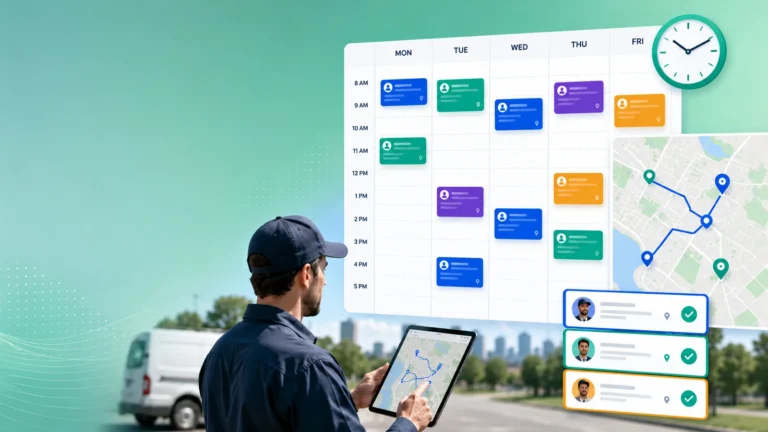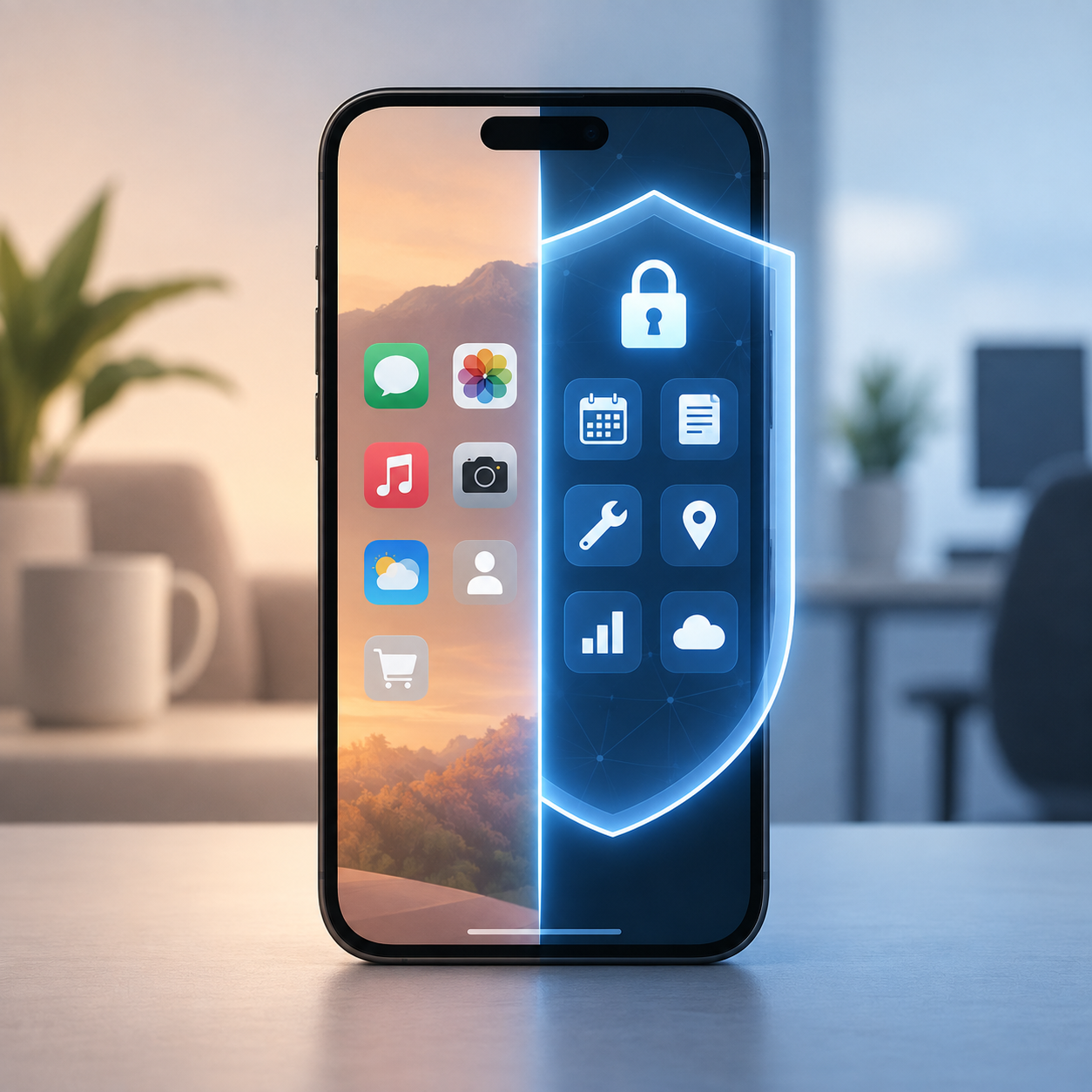
Mobile apps are the operational spine of modern field service. They carry job details, customer addresses, asset histories, photos, signatures, parts usage, and status updates. In many organizations, they also act as the front door to scheduling and dispatch decisions, because the moment a technician opens a work order, the system begins tracking progress and SLA (Service Level Agreement) timers.
That convenience has a downside: technician devices have become one of the most practical paths into the field service environment. The risk is not only “a hacker breaking into an app.” It is everyday exposure: devices on public networks, weak passcodes, lost phones, outdated operating systems, shared devices, sideloaded apps, and credential reuse. Field service teams often discover this too late, after a customer complains about data exposure or an internal audit flags uncontrolled mobile access.
Security leaders usually respond with strict controls that frustrate technicians and reduce adoption. Operations leaders push back because they need speed in the field. The right approach is not choosing security over productivity. It is designing a mobile security model that protects data while keeping the technician workflow fast and predictable.
Why technician devices are a uniquely high-risk environment
Field service mobility is not the same as office mobility. Technicians work across sites, vehicles, basements, plant rooms, rooftops, and customer premises. Devices are used in harsh conditions and often under time pressure. When the job is urgent, technicians will take shortcuts if security adds friction.
Three conditions make field service devices especially attractive targets:
- High-value data in a single place. A mobile FSM app can expose customer PII (Personally Identifiable Information), service locations, access instructions, equipment details, and internal notes.
- Frequent context switching. Technicians move between jobs, apps, messages, calls, and photos. That creates opportunities for phishing, malicious links, and accidental data sharing.
- Distributed control. Unlike office endpoints, technician devices can be personal (BYOD or Bring Your Own Device), shared within a crew, or only intermittently connected. Enforcement is harder unless the model is built for it.
This is one reason mobile security is increasingly discussed alongside broader automation and “zero-touch” workflows. As intake, qualification, and dispatch become more automated, the mobile app becomes the execution layer where sensitive data and operational decisions converge. For more on how mobile execution ties back into monitoring, SLA tracking, and closure, read Inside the Fieldcode Zero-Touch service journey — From field service call to resolution.
The BYOD question: what you should allow and what you should not
Most field service organizations land in one of three models:
- BYOD (Bring Your Own Device): technician-owned devices used for work.
- COPE (Company-Owned, Personally Enabled): company devices that allow limited personal use.
- Fully managed corporate devices: company-owned and locked down.
BYOD can reduce hardware cost and speed onboarding, but it increases variability and reduces control. Fully managed devices reduce risk but cost more and can be harder to roll out quickly. COPE sits in the middle.
A workable policy does not start with ideology. It starts with risk segmentation. Not every technician role needs the same access. For example, a contractor doing low-sensitivity inspections should not have the same mobile permissions as a technician who accesses customer security systems or enters notes that include sensitive site details.
A practical way to segment mobile risk in field service is by four factors:
- Data sensitivity: what the technician can view and capture.
- Operational criticality: what the technician can change (status, approvals, parts, credits).
- Access level: whether the device can access internal apps beyond FSM.
- Environment: regulated sites, high-security customers, or high theft risk territories.
Once those segments exist, your device strategy becomes clearer. High-risk segments should skew toward COPE or fully managed devices. Lower-risk segments can support BYOD with strong containerization and access controls.
The most common mobile security failures in field service
Even organizations with an MDM (Mobile Device Management) tool can remain exposed if the program is incomplete. These are the failure points that appear repeatedly in FSM environments.
1) Weak authentication and reused credentials
Credential reuse and weak passwords are still major drivers of compromise. If a technician’s credentials are phished, the attacker may gain direct access to the FSM platform. Multifactor authentication is important, but in the field it must be designed for low friction. Push-based authentication and risk-based step-up controls typically work better than frequent code entry.
2) No separation between work and personal data
BYOD fails when work data lives in the same space as personal apps and storage. Photos, documents, and screenshots can accidentally sync to personal cloud accounts. Messaging apps can capture sensitive screenshots. Copy/paste can move customer information into uncontrolled channels.
The principle here is separation. If you allow BYOD, the device must support a managed work container so the organization can enforce controls on work apps without intruding into personal data.
3) Unmanaged app installation and sideloading
Technicians often install helpful utilities: barcode scanners, camera tools, PDF apps, navigation add-ons. The risk comes from untrusted sources and sideloaded applications that request excessive permissions. This is especially concerning when the FSM app stores authentication tokens locally or when technicians reuse the same device for email.
4) Outdated operating systems and patch levels
Mobile security is strongly tied to patching discipline. Field devices that fall behind on OS updates become easy targets, especially if they run outdated browsers or webviews. This risk grows when technicians use older personal devices.
5) Lost, stolen, or shared devices without strong controls
A lost phone is not only a hardware incident. It can become a customer data incident if the device is not encrypted, locked, and remotely wipeable. Shared devices raise additional risks around accountability, audit trails, and unintended data access.
The security model that works in real field service operations
The most effective field service mobile security programs are built around a small set of enforceable controls that protect the highest-risk data flows without making the job harder.
Control 1: Use a managed work container for BYOD and COPE
A managed container creates separation between work and personal data. It allows enforcement of work-side policies such as passcode strength, encryption requirements, app allowlists, and remote wipe of corporate data only.
This matters because technicians can maintain privacy while the organization controls the work environment. Containerization also reduces resistance, because the policy can be framed as “we control the work profile, not your personal phone.”
Control 2: Make device compliance a gate to access
A common failure is allowing access to the FSM app from noncompliant devices “temporarily,” which becomes permanent in practice.
A stronger model is conditional access: the device must meet baseline requirements to log in. Typical requirements include OS patch level, screen lock, device encryption, and no rooting/jailbreaking. This is not about perfection; it is about reducing preventable exposure.
Control 3: Treat the FSM app as a privileged application
Not all apps are equal. An FSM mobile app may expose customer locations and sensitive notes. Treat it like a privileged app:
- restrict copy/paste out of the work container where feasible
- prevent backup of work data into personal cloud storage
- enforce secure local storage and session timeouts
- limit screenshots for high-sensitivity roles (or watermark screenshots where policy allows)
If your FSM workflow depends on photos and signatures, ensure those artifacts are stored and transmitted securely, and that technicians understand where images are saved.
Control 4: Reduce data exposure through role-based design
One of the most practical security controls is simply not showing data that isn’t needed.
If technicians only need customer address, asset details, and task steps, don’t expose billing history, broad customer lists, or internal escalation notes. The more data you restrict by role, the less damage occurs if a device is compromised.
Control 5: Build incident response around field reality
Mobile incidents happen in the field. Your response plan must assume:
- a device goes missing mid-shift
- a technician reports suspicious pop-ups or unexpected MFA prompts
- a customer complains about photos appearing in the wrong context
- a contractor leaves and still has the work app installed
The response should be simple: a single hotline or ticket path, immediate account lock option, remote wipe of work data, and a clear re-enrollment process. If re-enrollment is painful, technicians will avoid reporting issues.
Training that technicians actually follow
Mobile security training fails when it is generic. Field service training should be scenario-based and short.
The most effective training topics tend to be:
- recognizing credential phishing and fake MFA prompts
- avoiding untrusted Wi-Fi for work access unless using approved VPN controls
- what to do immediately if a phone is lost or stolen
- how to keep work photos and notes inside the work environment
- why sideloading and “helper apps” can create risk
This training works best when it is positioned as protecting the technician as well: fewer disputes, fewer account lockouts, fewer customer complaints, and less time spent on security rework.
How to measure whether your mobile security program is working
Security cannot be “set and forget,” especially in a distributed workforce. These metrics are practical and defensible:
- Compliance rate: percentage of devices meeting baseline requirements
- Noncompliant access attempts: how often blocked devices try to log in
- Time to revoke access: especially for leavers and contractors
- Mobile incident volume and resolution time: lost devices, suspected phishing, malware events
- Data leakage indicators: work data detected outside managed storage (where tooling exists)
Most importantly, link security to operational outcomes. If security controls create login friction that slows job start time, adoption will drop. If you design controls around real field workflows, you can improve security without reducing productivity.
The operations-first takeaway
Field service organizations don’t need to choose between speed and security. They need a mobile security model that matches the way technicians actually work: distributed, time-sensitive, and often offline or low connectivity.
A balanced program usually means: containerized BYOD where appropriate, COPE for higher-risk roles, compliance-based access, and role-based data minimization. With those foundations, mobile becomes a controlled execution layer rather than an uncontrolled attack surface.
For more field-service context on how mobile execution connects to automated service workflows and visibility, see the News section alongside Inside the Fieldcode Zero-Touch service journey.
References
NIST SP 800-124 Rev. 2 – Guidelines for Managing the Security of Mobile Devices in the Enterprise
OWASP Mobile Application Security Verification Standard (MASVS)
Android Enterprise Overview – Google for Developers
Device Management Security Overview – Apple Support